

Workflow lead
The workflow lead is the person who can view, change, or delete a workflow. They are the main contact people for the workflow. They are also the main business stakeholder. You can change the lead at any time.Tech lead
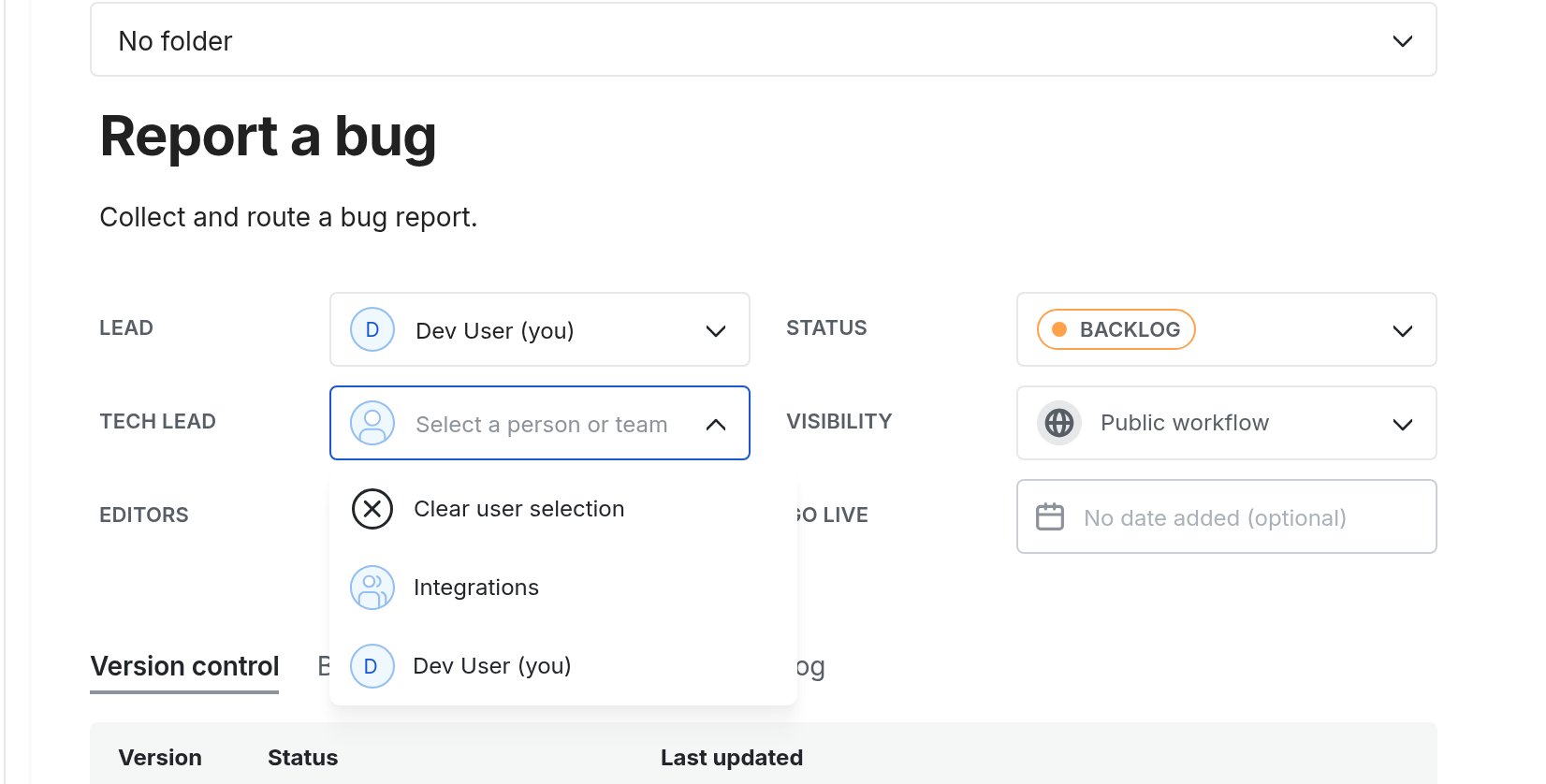
The tech lead might be the workflow builder or manage the technical aspects of the workflow. When an integration step fails, Next Matter assigns it to the tech lead so someone can retry or take over the step. You can set the tech lead as either a person or a team:- Click Workflows.
- Open the workflow and click Edit workflow.
- On the workflow overview, next to Tech lead, click Select a person or team.
- Choose a colleague or a team.
A tech lead is a role you can assign to a person or a team, and it doesn’t change the account’s permissions. However, tech leads will be able to see the request body if the integration fails, even if the step visibility is restricted. Note that tech leads can’t edit workflows, so they need to contact the admin to permanently update the configuration.