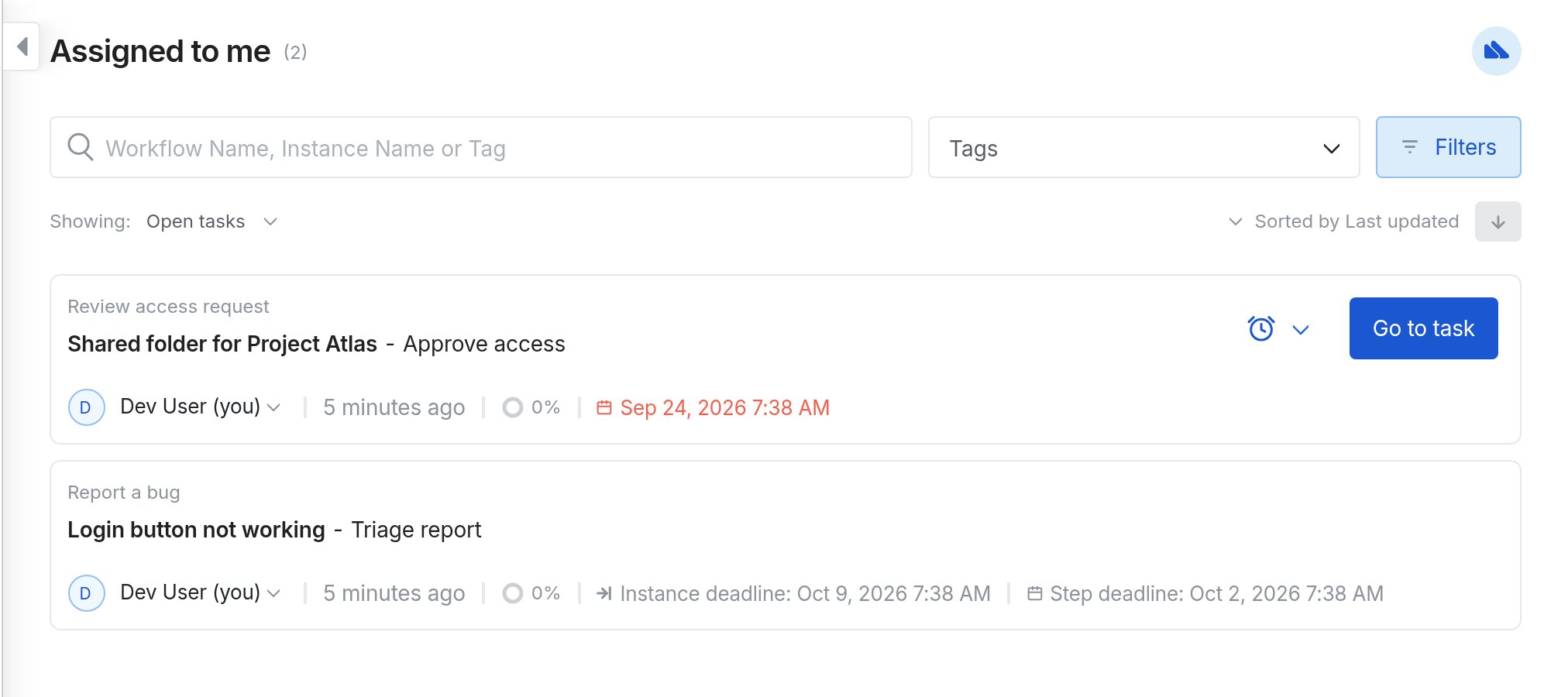
See deadlines on tasks
When a step has a deadline, that date appears on the task row in Inbox, in a team’s inbox, and on the workflow Open tasks list.- Click Inbox.
- Open Assigned to me for tasks assigned to you, or a team under Team inboxes for team tasks.
- Check the date on the task row.