> ## Documentation Index
> Fetch the complete documentation index at: https://help.nextmatter.com/llms.txt
> Use this file to discover all available pages before exploring further.
# Search
> Find what you need using Next Matter search or filters
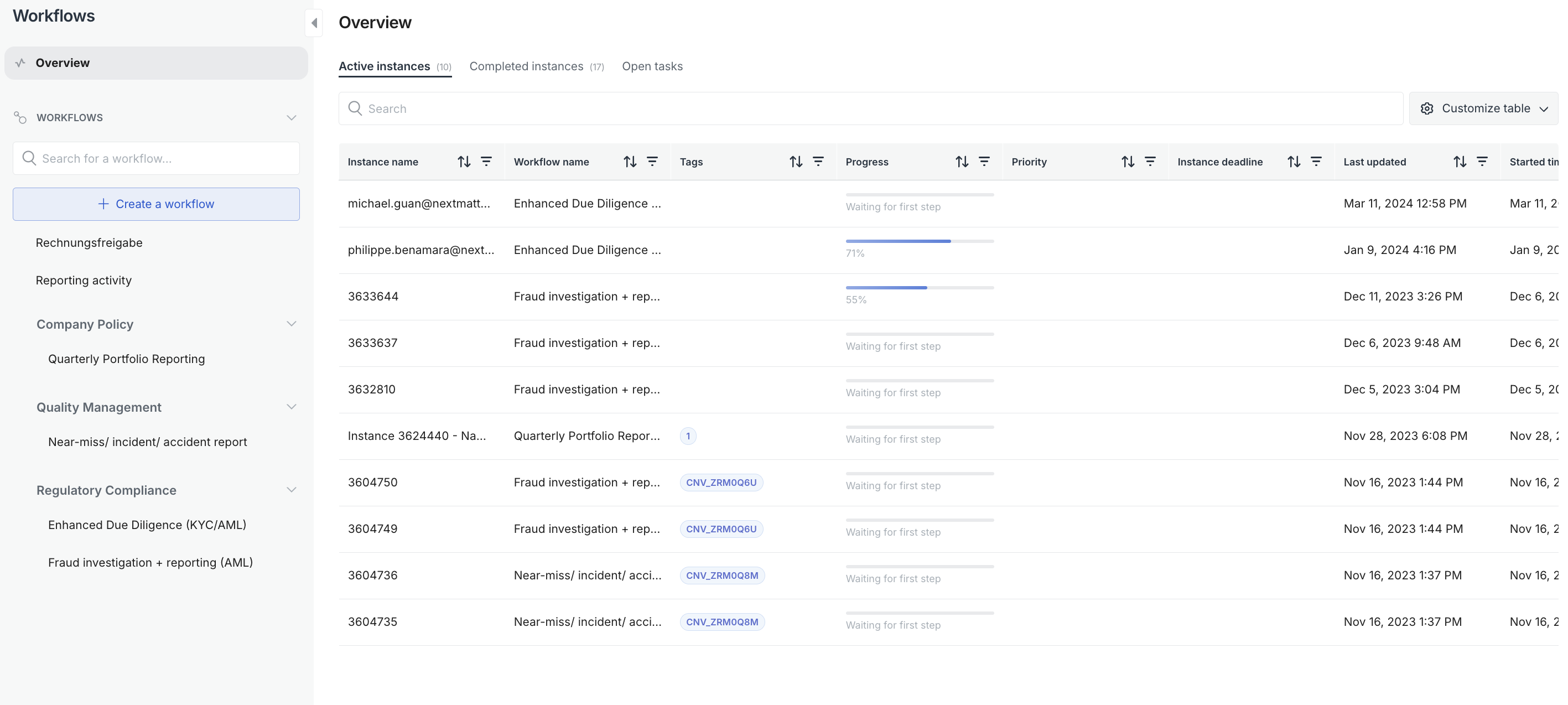
You can search your active and completed Next Matter instances by using the search bar or the available filters. In the search bar you can search by tags, and instance or workflow name, and instance ID (available for full users and admins only).
 You can also search using the [List instances](/reference/processes_instances_list) API call.
Note that we currently don't support a full-text search that would search across all the data entered in an instance. If you need to always search for specific info, tag it or use it in the instance name.
You can also search using the [List instances](/reference/processes_instances_list) API call.
Note that we currently don't support a full-text search that would search across all the data entered in an instance. If you need to always search for specific info, tag it or use it in the instance name.