> ## Documentation Index
> Fetch the complete documentation index at: https://help.nextmatter.com/llms.txt
> Use this file to discover all available pages before exploring further.
# Complete tasks as guest
> You can complete workflow tasks and start requests by opening a link or scanning a QR code.
Need to exchange equipment, request car support, or log in a maintenance issue? This is what workflows are for. You can easily do it by completing an online form. The form opens with a link or a QR code, which you can scan with your mobile device.
## Complete tasks
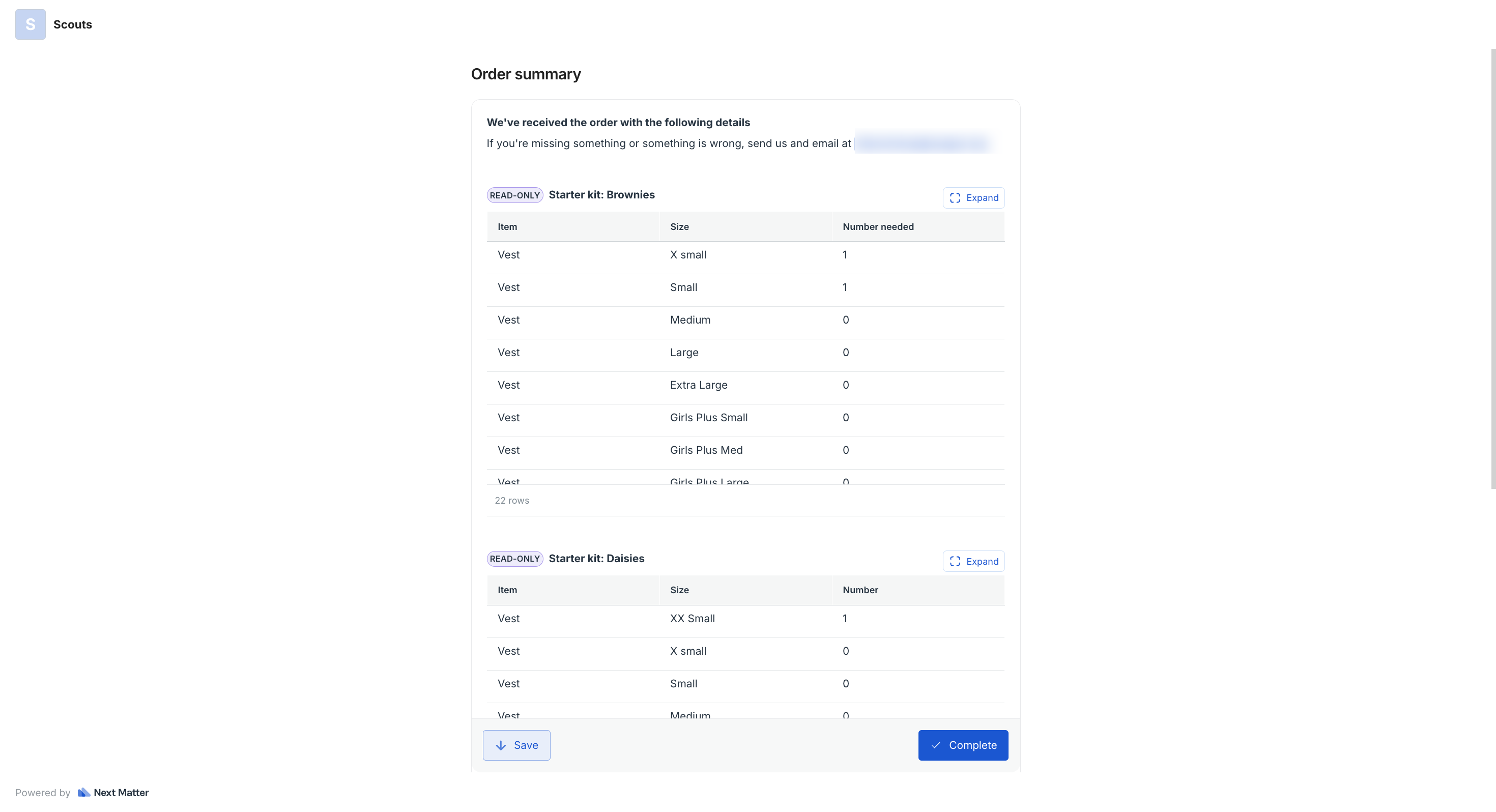
When you complete your form, simply click **Complete**. This will set your request in motion, and the responsible parties will be notified about it.
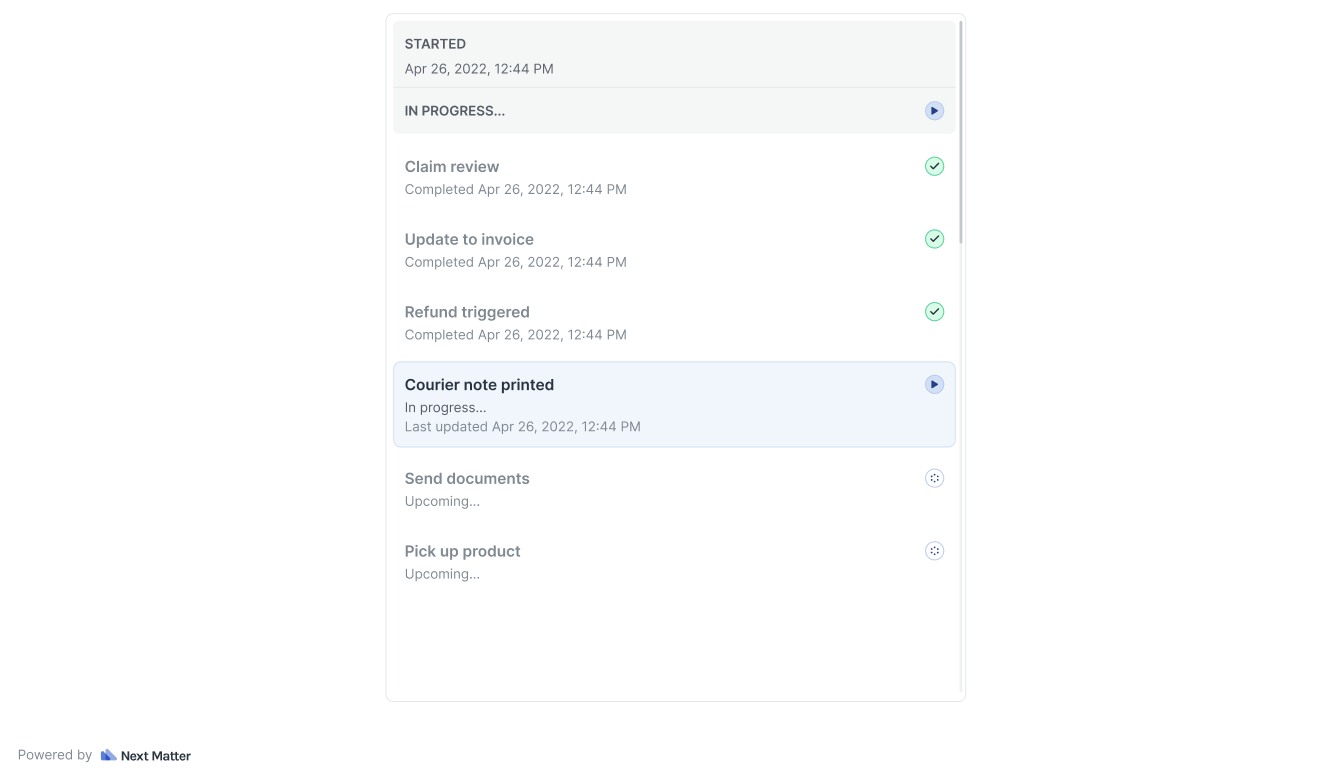
 A company might send you a confirmation email with a link to track your request. If you click the link, you'll see the stages of the workflow and which ones have already been completed.
 ## Track progress
Should your request require additional input, you'll be notified by email with a link to another form to complete.
## Track progress
Should your request require additional input, you'll be notified by email with a link to another form to complete.