> ## Documentation Index
> Fetch the complete documentation index at: https://help.nextmatter.com/llms.txt
> Use this file to discover all available pages before exploring further.
# Add users
> You can quickly invite new colleagues and create and manage your team.
You must be an administrator to invite colleagues or light users to the Next Matter workspace.
## Invite colleagues or light user
1. In the main navigation, go to **Company.**
2. Click **Colleagues**.
3. In the top right corner, click **+Add colleague**.
4. Enter the personal details of the invitee.
5. Select the role for the person.
6. Click **Send invitations**.
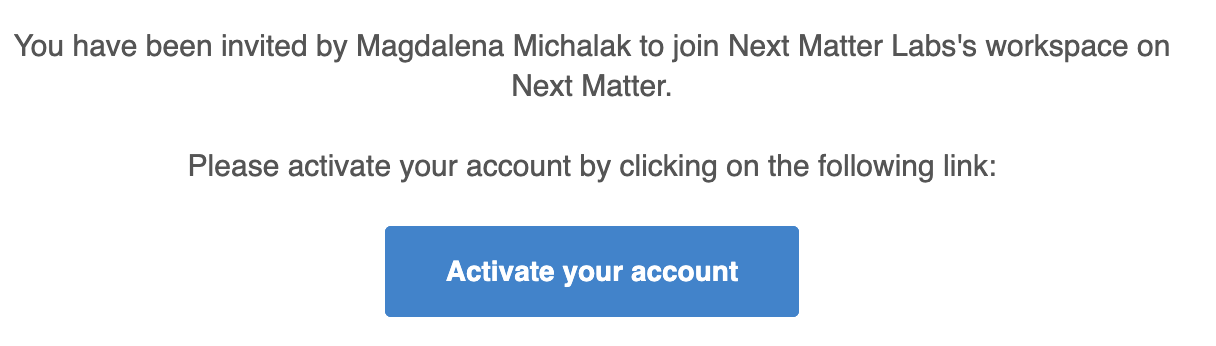
Each user you invite will receive an email from Next Matter inviting them to activate their account and set up their password.
 The **Onboard a list of light users** Next Matter template will help you quickly add a list of light users and share a portal with them. You can find the template when you add a step and select **Templates > Next Matter templates**.
## Add colleagues and light users to teams
To add your colleagues to a team, click **+ Add** next to the colleague's name (in **Company > Colleagues**).
The **Onboard a list of light users** Next Matter template will help you quickly add a list of light users and share a portal with them. You can find the template when you add a step and select **Templates > Next Matter templates**.
## Add colleagues and light users to teams
To add your colleagues to a team, click **+ Add** next to the colleague's name (in **Company > Colleagues**).
 Currently, you can only add colleagues to teams one by one.